Labels
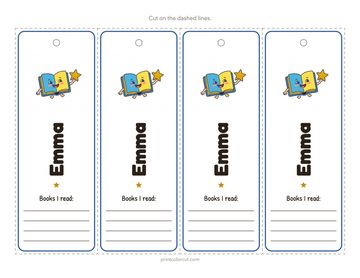
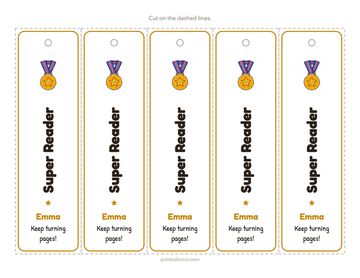
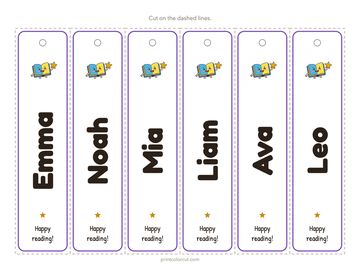
Bookmarks with a name
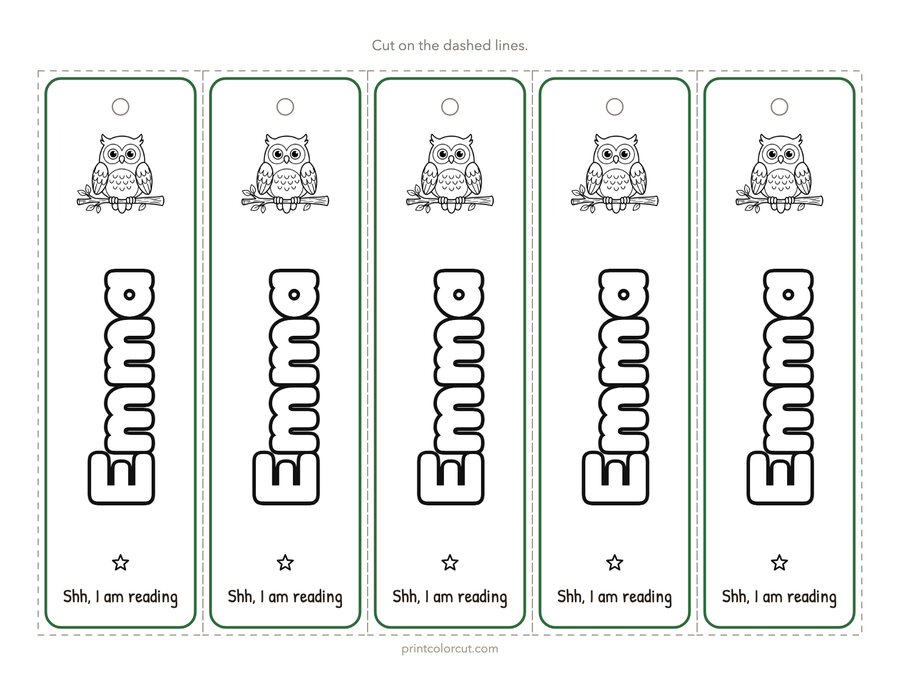
Bookmarks to color and cut out, with one name or a whole class list.
Free. What you type stays on your device.
How to use it
- Type one name, or the names of the whole class.
- Pick the design.
- Print on cardstock or the heaviest paper your printer takes. The sheet prints sideways (landscape).
- Color first, then cut on the dashed lines.
- Punch a hole at the circle and tie on a ribbon or a piece of yarn.
Laminated bookmarks last the whole school year. If you only have thin paper, print two sheets and glue the strips back to back.
How do I make a bookmark with a name on it?
Type the name, pick a design and print. The name is drawn up the length of the strip, as large as it fits, so a short name comes out big and a long one still fits. One name is printed on every bookmark of the sheet.
How big are the bookmarks?
The sheet prints sideways on US Letter paper. With five to a page each bookmark is about 2 inches wide and 7 inches tall. The class set has six slimmer ones to a page, and the reading tracker four wider ones with room to write.
What paper works best?
Cardstock, or the heaviest paper your printer takes. Plain copy paper gets floppy in a book: glue two strips back to back, or laminate them. Crayons and colored pencils are best for the designs to color, because markers can show through thin paper.
Can I print bookmarks for a whole class?
Yes. Type up to 40 names with commas between them, or paste the list with one name on each line. Every bookmark gets one name. Spare strips at the end of the last sheet print with a line to write a name on, which is handy for a student who joins later.
When do teachers and parents hand them out?
On the first day of school, with a new library card, at a book fair, at the start of summer reading, as a party favor, and for Read Across America Day on March 2.
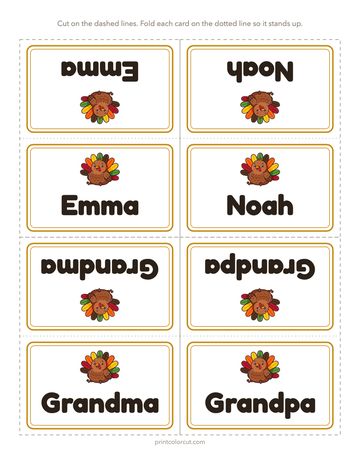
Reading log Super Reader certificate Reading challenge certificate Name labels
6 designs
More to make
 10 designs
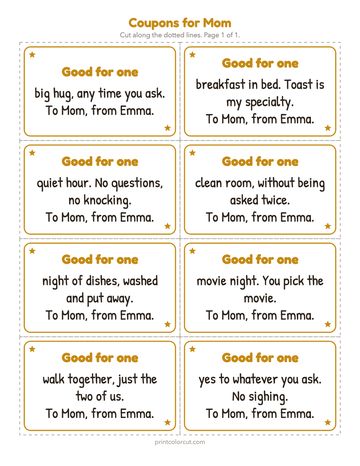 11 sets
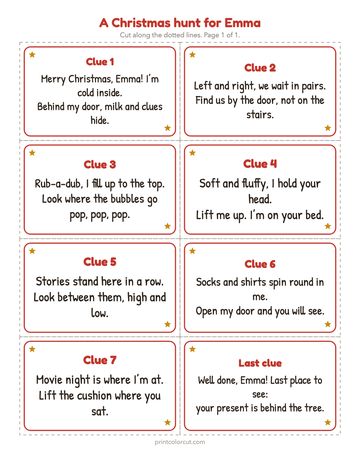 6 sets
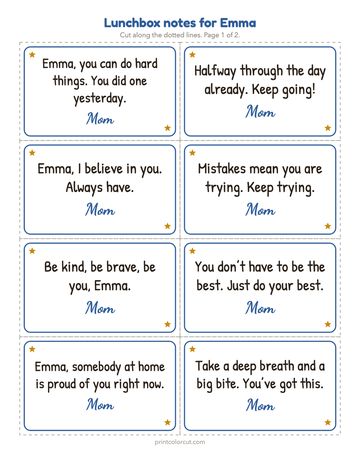 8 sets
Updated . Free for personal and classroom use; please do not resell the pages.